Get a Free Bible Widget for your Website or Blog
Install the free Global Bible Widget to add a variety of tools to your website or blog that will enhance your readers’ experience on your site. Choose from a dozen different Bible versions. The URL to get it all is https://bibles.org/widget
Search Widget
The Search Widget will place a search box on your site that will allow your users to search for Bible passages and display those search results in a popup modal or take them to the configured Global.Bible site to view the results.
Passage Widget
The passage widget allows you to place almost any length of passage on your site for readers to see. Just include the following code anywhere on your site or blog post. We’ll load the text in for you and make sure it’s properly attributed! For the Passage References, please refer to this list of three-character abbreviations for Bible books to use with the Bible widget.
Auto-Linker Widget
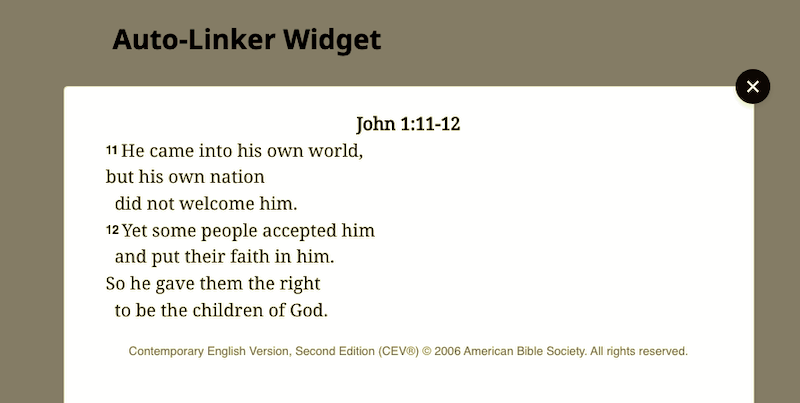
Auto-linker is not a widget so much as a utility that turns plain text into into Link Widgets. It looks through text on a web page for Bible references, so you don’t have to provide any additional code.
Link Widget
With the Link Widget, you can allow users to read a passage in its entirety in a pop up modal on your site by simply adding a small snippet of code to your links. These are auto-created for you via the Auto-Linker, but if your scripture reference has more complicated markup or you want custom text in your scripture reference you cam manually create a Link Widget. Additionally, it can be configured to show the text in a new tab.